
What’s new
Every release of Solair Pulse, newest first. Pulse checks for updates once a day and installs them for you.
Download 1.6.0Every Claude account, exactly: see each account your sessions run on, with its plan, how much of its 5-hour and weekly limits is used and when they reset, and what each one used. Turn on Exact Limits on the Agents page.
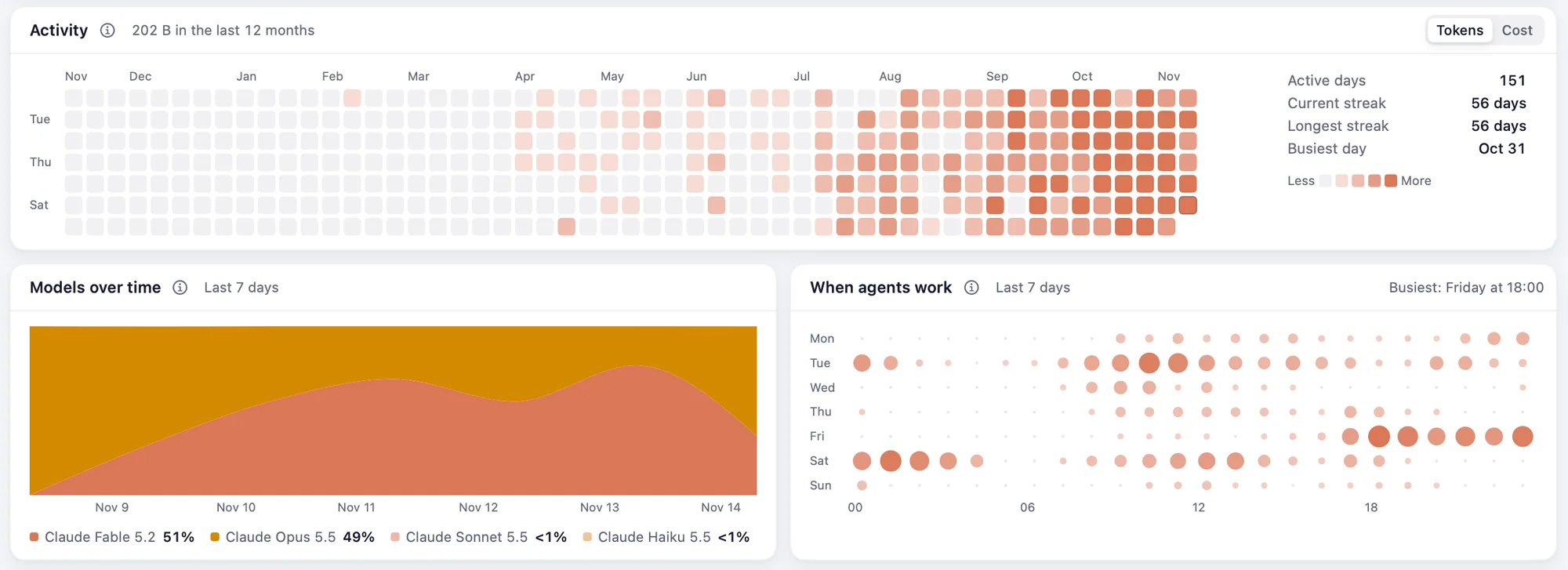
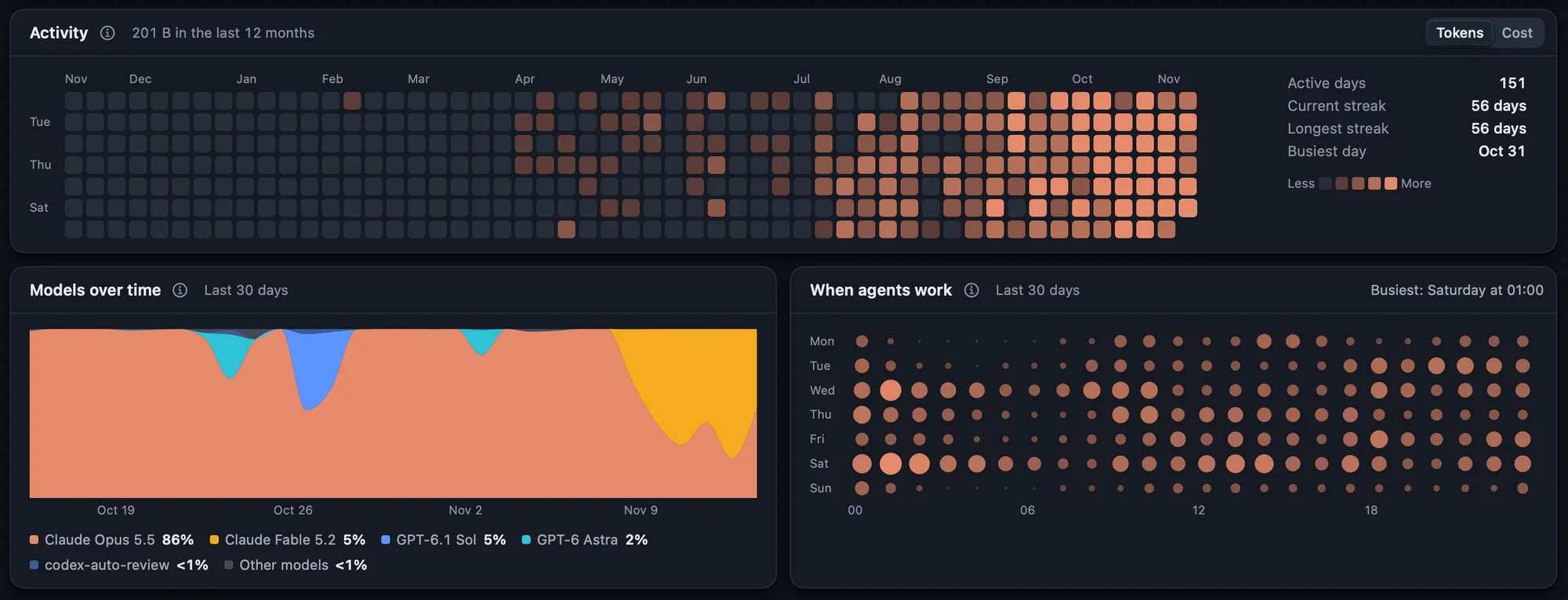
- A year at a glance: a grid of every day your agents worked, the darker the busier, with your streaks and your busiest day.
- Models over time and When agents work: which models did the work, and the hours of your week they work in.
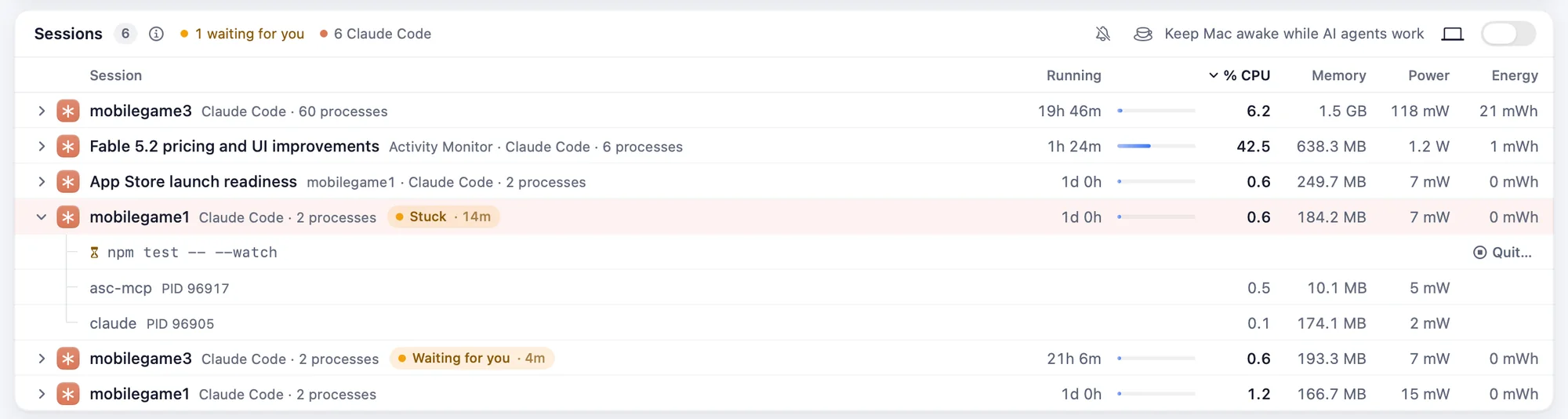
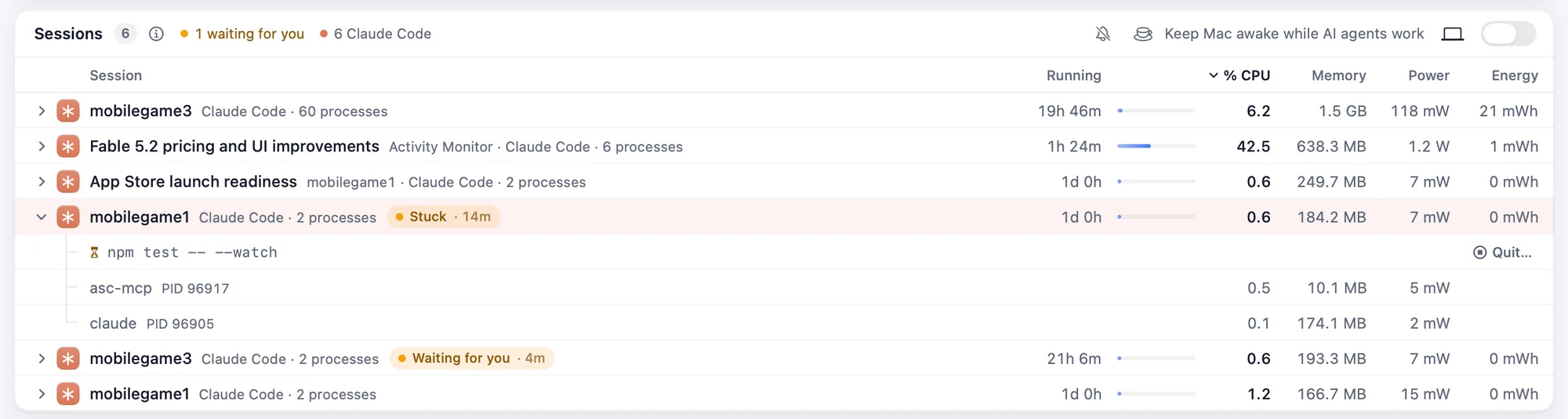
- Sessions by name: sessions show the title Claude Code gave them, not just their folder.
- Stuck commands: when an agent waits on a command that has done nothing for five minutes, Pulse tells you and lets you stop it.
- Dev servers open to your network: a globe marks every port other devices can open, and Pulse warns you when you join a new network while one is open.


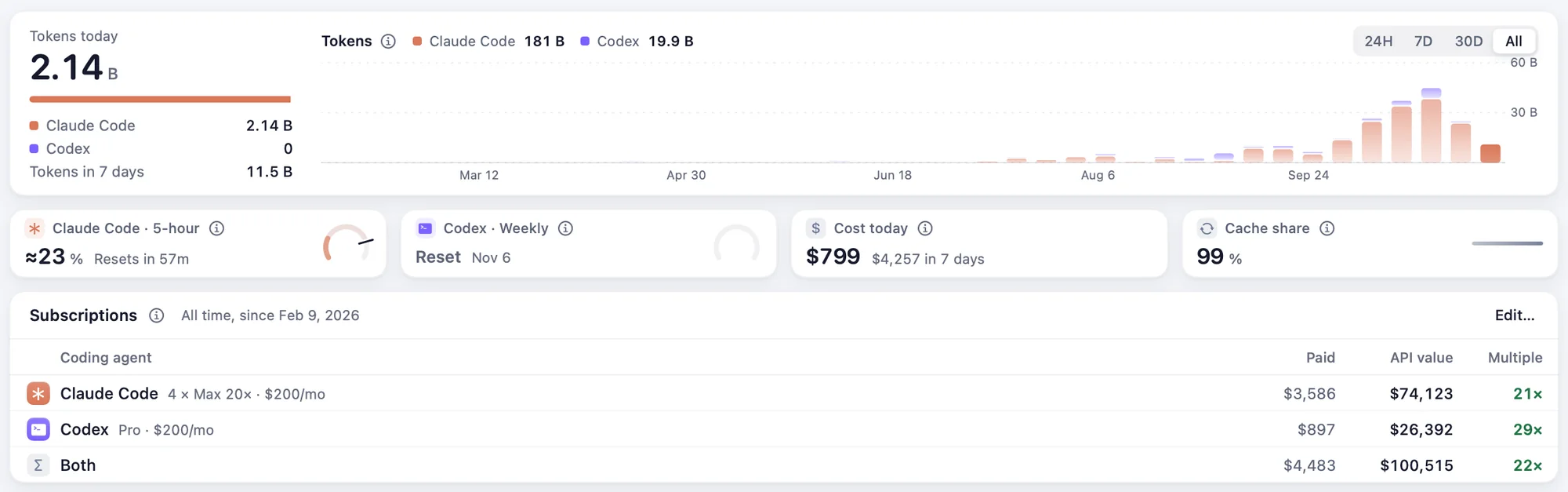
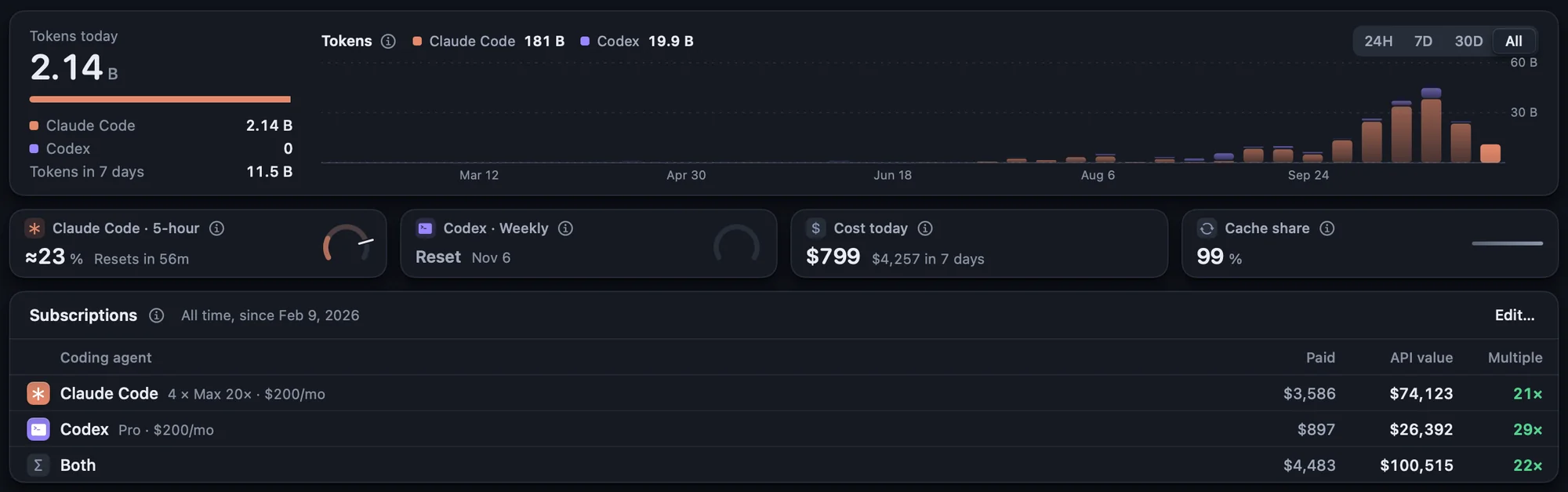
What your subscriptions are worth: tell Pulse what you pay for Claude Code and Codex, and the Agents page shows what the same use would cost at API prices, and how many times over your subscriptions pay for themselves.
- All time: the Agents page now reaches back to your very first session, not just 30 days. Pulse keeps your totals even after Claude Code clears its old logs.
- Today’s prices: Claude Fable 5.2, Mythos 5.2 and Haiku 5.5 and GPT-6.1 Terra now show a cost, and Claude Sonnet 5.5’s cache and OpenAI’s 12-hour cache are priced as they are now.
- Clean Up: the summary shows every category again, none cut off at the top or bottom.
- Agents page: a reset Codex limit says when it reset just once, and short sessions read “<1m” instead of a cut-off “under a mi…”.
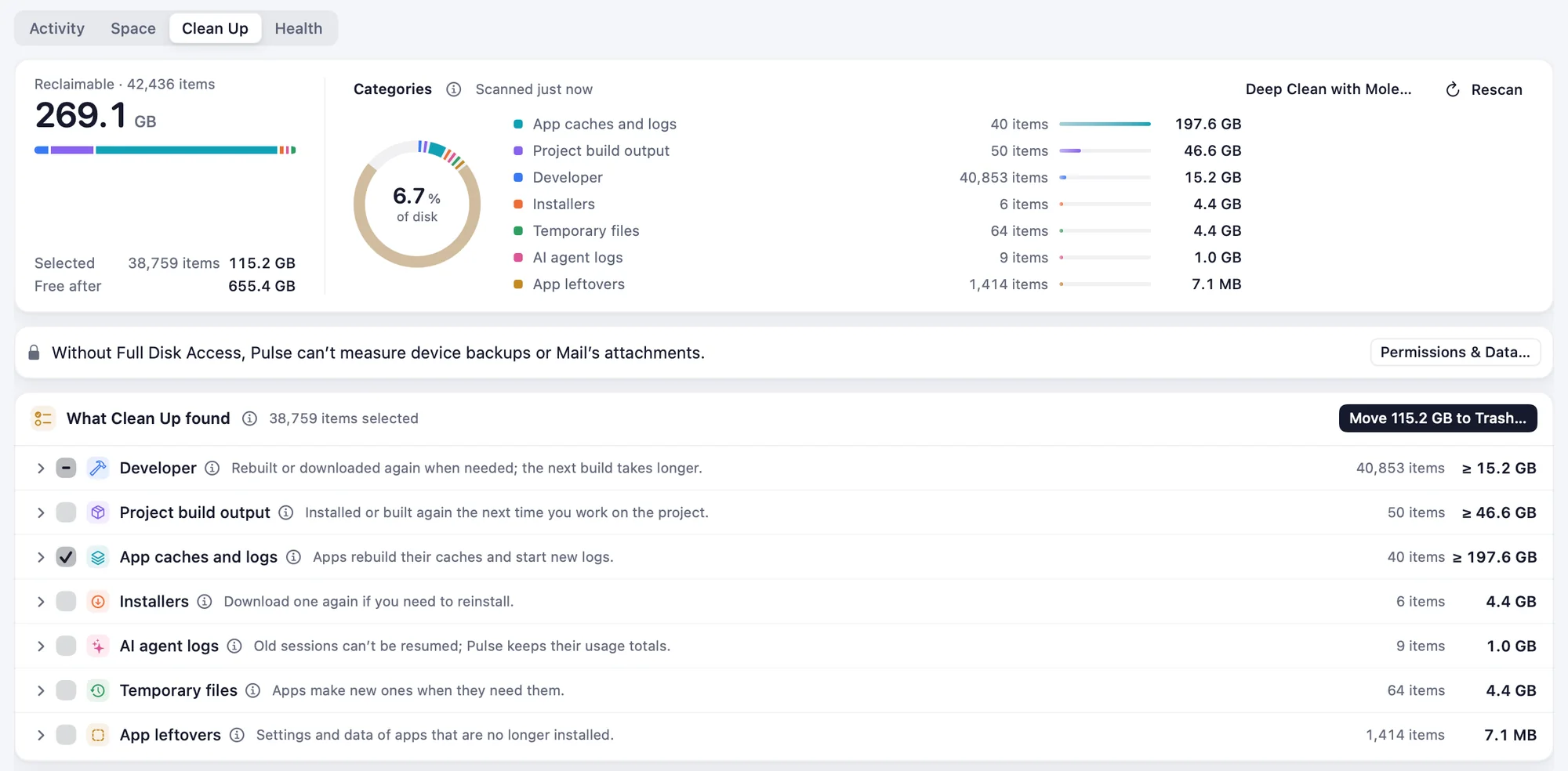
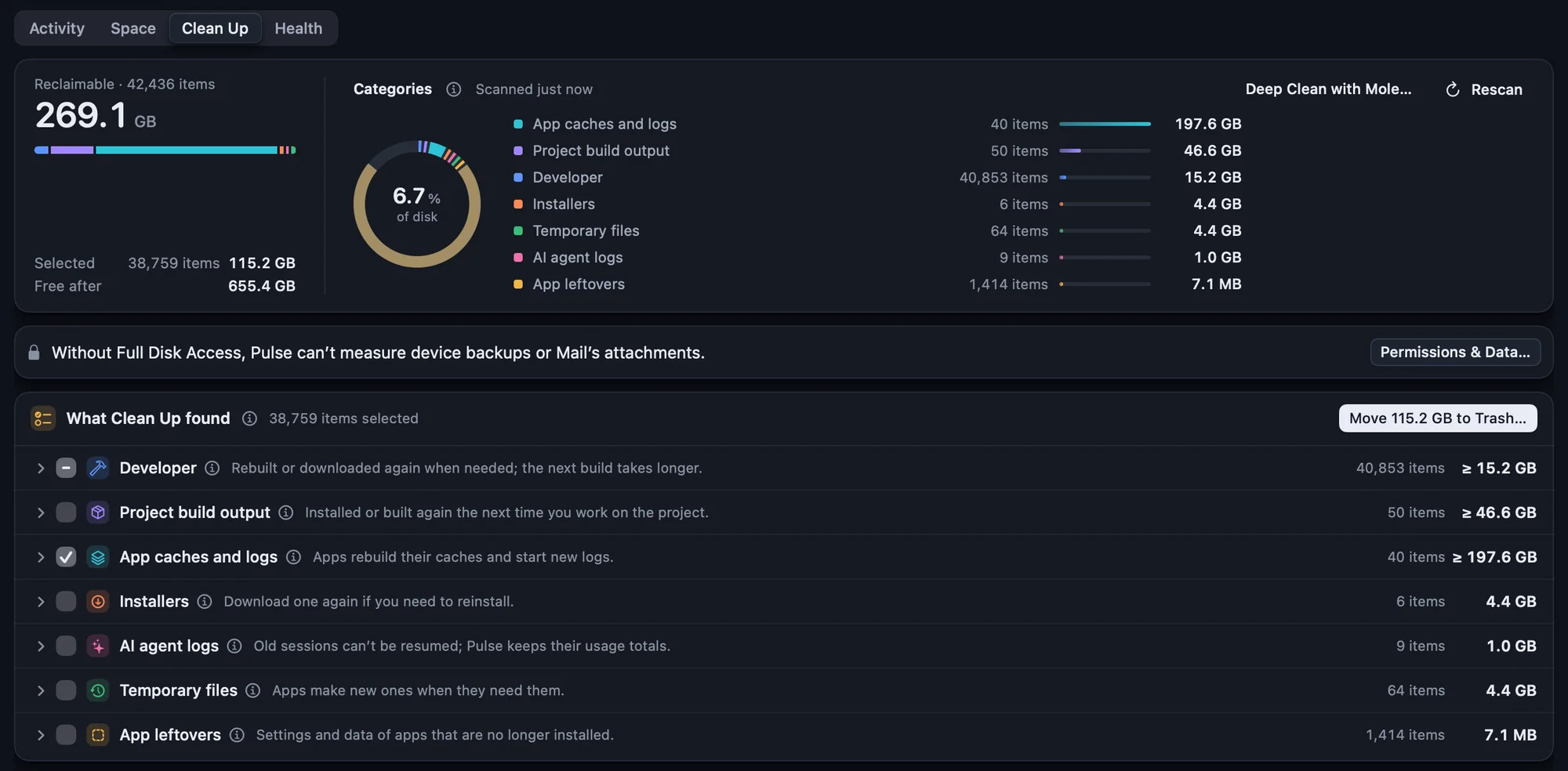
The Ask button: ask about your Mac from the bottom of the window, in one click (or ⌘K, which the button teaches). Where Ask Pulse can’t run, the same button searches Pulse.
Ask Pulse: “Why is my Mac slow?” Ask about your Mac in your own words, in ⌘K or Shortcuts, and see the figures behind the answer. It’s answered on your Mac; nothing is sent anywhere.
- You decide what stops: when Claude Code or another assistant wants to quit an app or stop a server, Pulse asks you first.
- Neural Engine: how busy it is and which apps keep it busy, on the GPU page.
- Your connection: every drop and how long it lasted, with an alert when it goes and when it’s back.
- Drive health: how worn each drive is, and a warning before one needs replacing.
- What’s holding memory: the apps you aren’t using that hold on to it, and what quitting them gives back.
- Recordings: your Mac second by second, to see exactly what happened and when.
- Colour-blind safe charts: colours that stay apart for every kind of colour vision.
- Float on Top: keep Pulse above your other windows.
- Running hot: an alert when your Mac runs hot, naming the app behind it.
- Quitting says what else stops: the page open on a server, the programs it started, the containers.
- Copy Report: what support needs, with your names taken out, ready to paste.
- Automatic installs: updates install while you’re away, and Pulse tells you what changed.
Ask Pulse needs macOS 26 with Apple Intelligence; the Neural Engine tab, macOS 15 on Apple silicon.
For developers:
pulse_sessionsnow returns{sessions, memoryNote?}instead of a bare list.Stay Awake: close the lid and keep working.
- For as long as the work takes: for a set time, until your AI agents finish, or until an app is done (an export, a build, a backup), even with the lid closed.
- Then it sleeps: when the work is done, sleep comes back on and your Mac sleeps.
- Quiet under the lid: the screen and keyboard light go dark, sound is muted and the apps you choose are paused. Open the lid and everything comes back.
- Careful with your Mac: it stops on a low battery or high heat, and after the longest session you allow.
- Start it anywhere: the Power page, the menu bar, ⌘K, an app’s menu or Shortcuts.
Keeping the Mac awake with the lid closed needs Pulse’s helper; Pulse asks to update it once.
The first public release of Solair Pulse.
- Agents: your Claude Code and Codex sessions, with their tokens, cost and limits.
- Fix it: Clean Up, which shows why each item is safe to remove, Battery Saver, startup items, an uninstaller and a disk map.
- Explain it: a verdict on every process, what’s draining the battery, and which apps keep growing.
- Menu bar styles: history, cores, rings or figures, each reading in a colour of its own.
- Themes: Pulse in light, dark or Glass, or Carbon, Obsidian, Folio, Neo and Midnight.
- Automatic updates: checked once a day, installed when you restart Pulse.
- Private: no analytics, and your data stays on this Mac.